
Helix Stax Platform Assets
Upload-ready headshots and cover photos for every platform. All images are LANCZOS-downscaled from 4096px supersamples with EXIF metadata embedded.
Quick Upload Checklist
📘
Facebook
Personal / Page
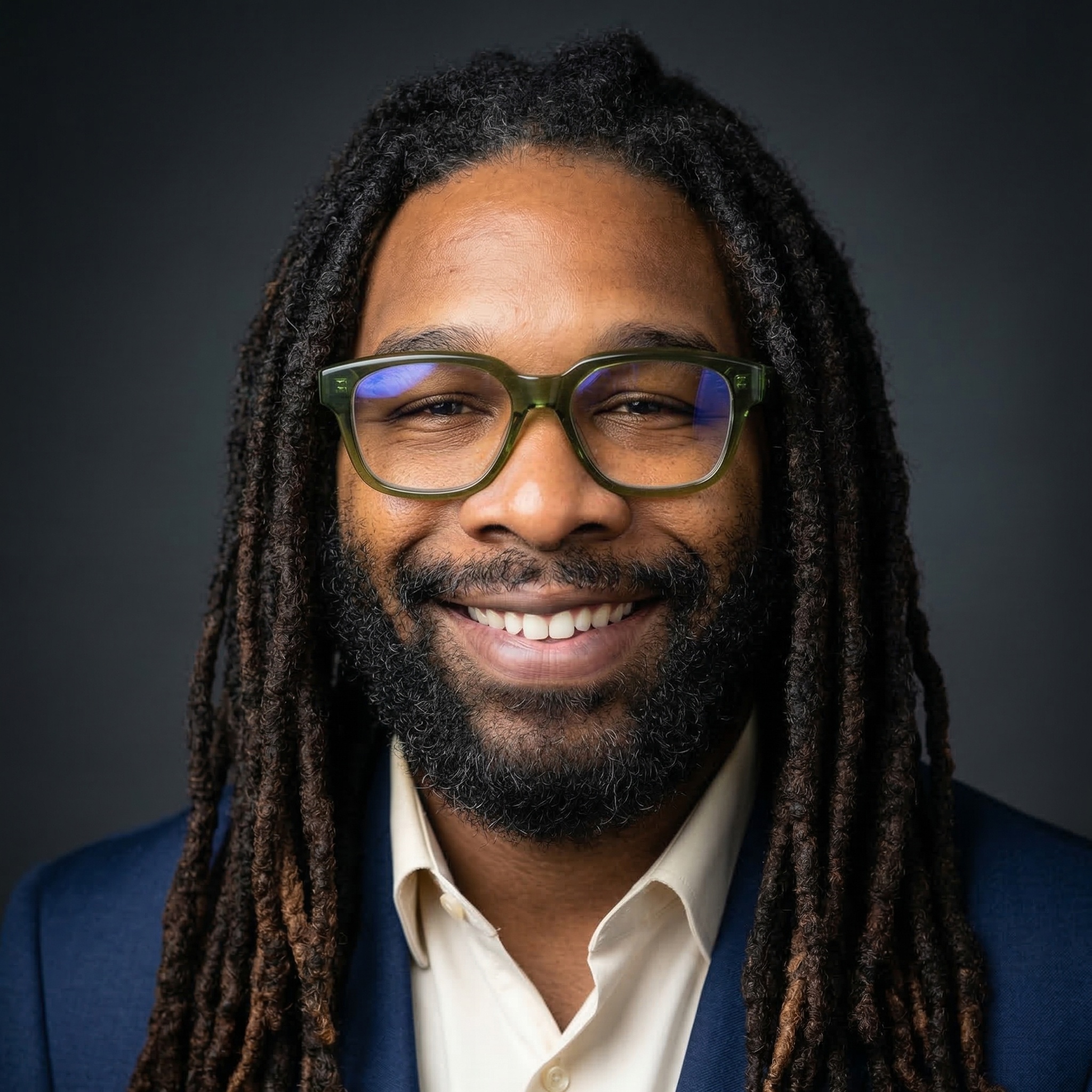
Profile Photo
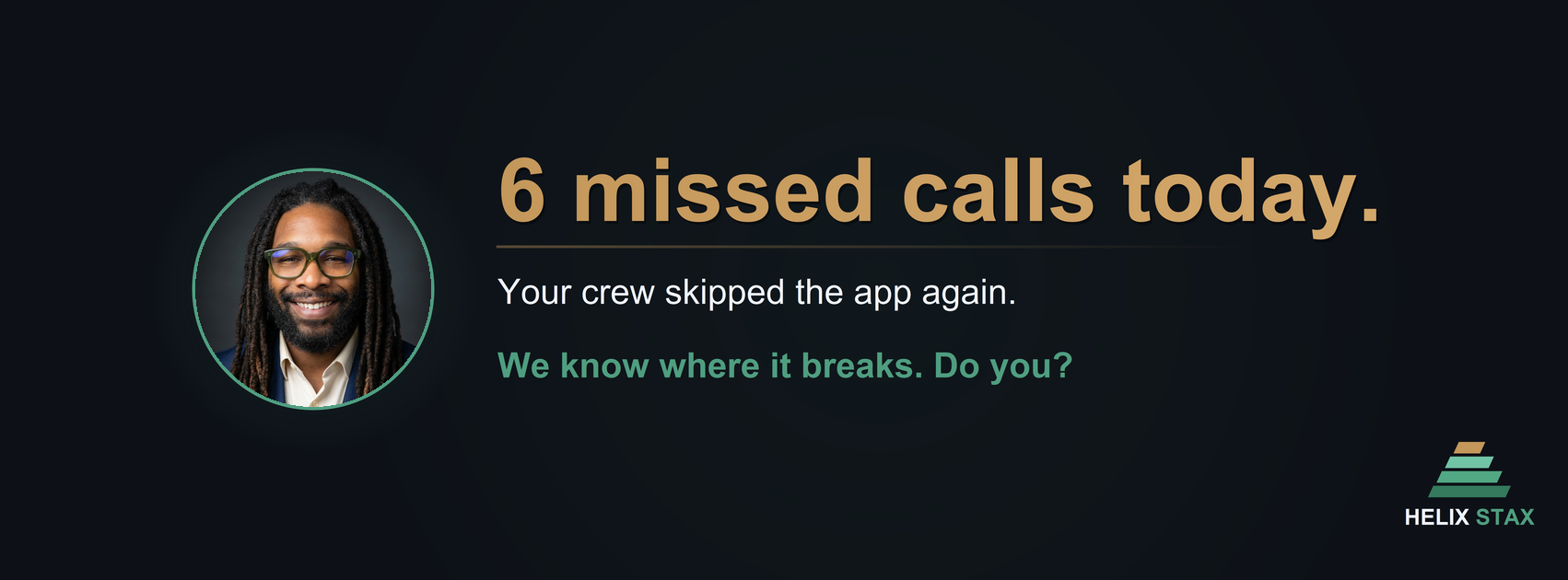
Cover Photo
| Asset | Upload Size | Format | Where to Upload |
|---|---|---|---|
| Profile Photo | 2048 x 2048 px | JPG | Settings → Profile Picture → Upload Photo |
| Cover Photo | 1702 x 630 px | PNG | Profile → Cover Photo → Upload Photo |
Platform Notes:
- Facebook displays the profile photo at 170x170 on desktop and 128x128 on mobile, but stores the full uploaded resolution. Uploading at 2048x2048 ensures maximum retina quality.
- Cover photo displays at 820x312 on desktop and is center-cropped to 640x360 on mobile. Keep key elements centered.
- Profile photo is circle-cropped. Ensure the face is centered.
- Cover photo file size should be under 100 KB for fastest loading; sRGB color space recommended.
💼
LinkedIn Personal
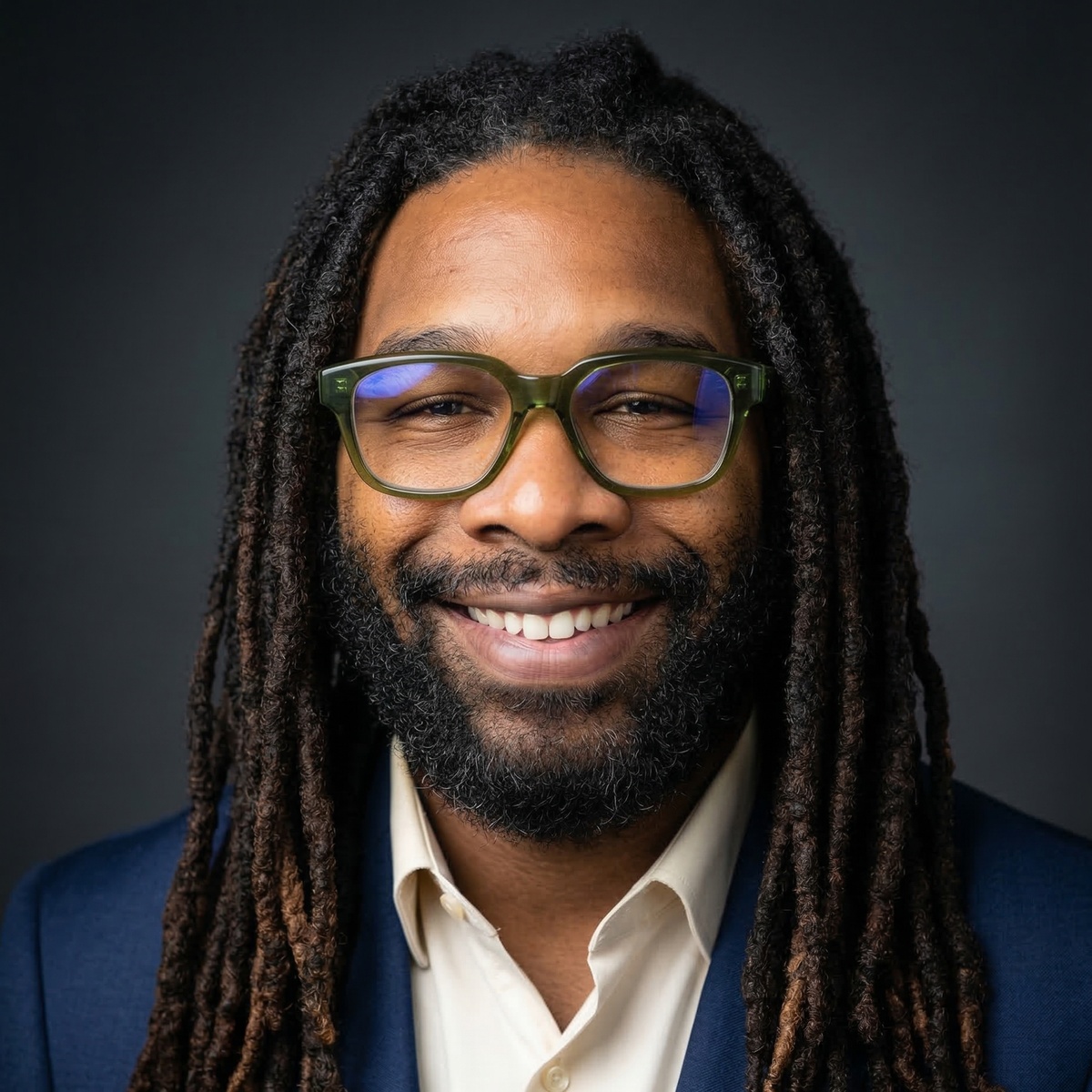
Personal ProfileProfile Photo
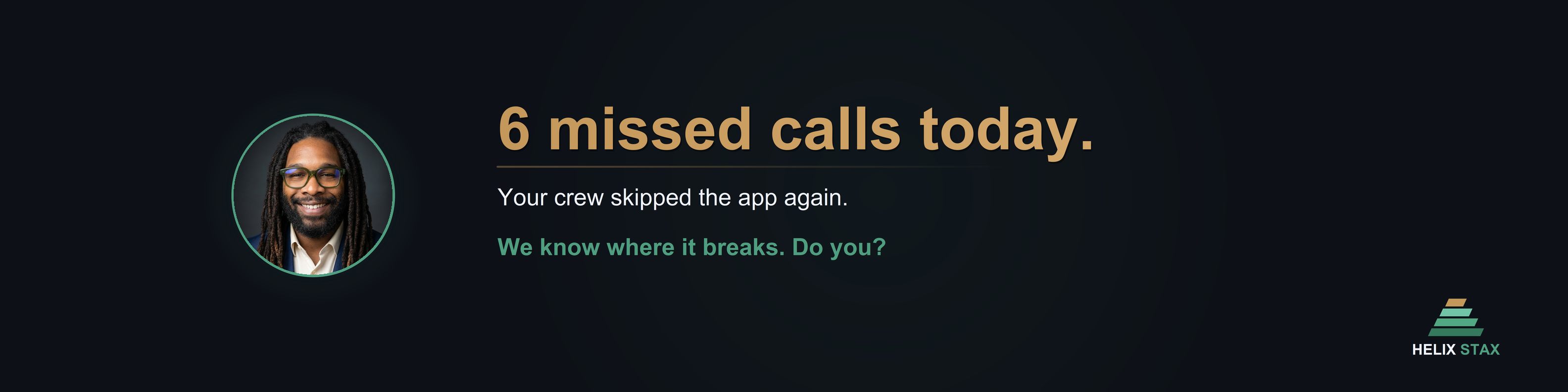
Cover Photo
| Asset | Upload Size | Format | Where to Upload |
|---|---|---|---|
| Profile Photo | 1200 x 1200 px | JPG | Profile → Edit → Camera icon on photo |
| Cover Image | 3168 x 792 px (4:1) | PNG | Profile → Edit → Camera icon on background |
Platform Notes:
- LinkedIn recommends 400x400 minimum, but uploading at 1200x1200 ensures sharpness on high-DPI displays and when the image appears in LinkedIn search results.
- Cover image recommended ratio is 4:1. Our file at 3168x792 is 2x the display size (1584x396) for retina quality.
- Max file size: 8 MB for both profile and cover.
- Profile photo is circle-cropped on the profile page but shown square in messaging.
🏢
LinkedIn Company
Company PageCompany Logo
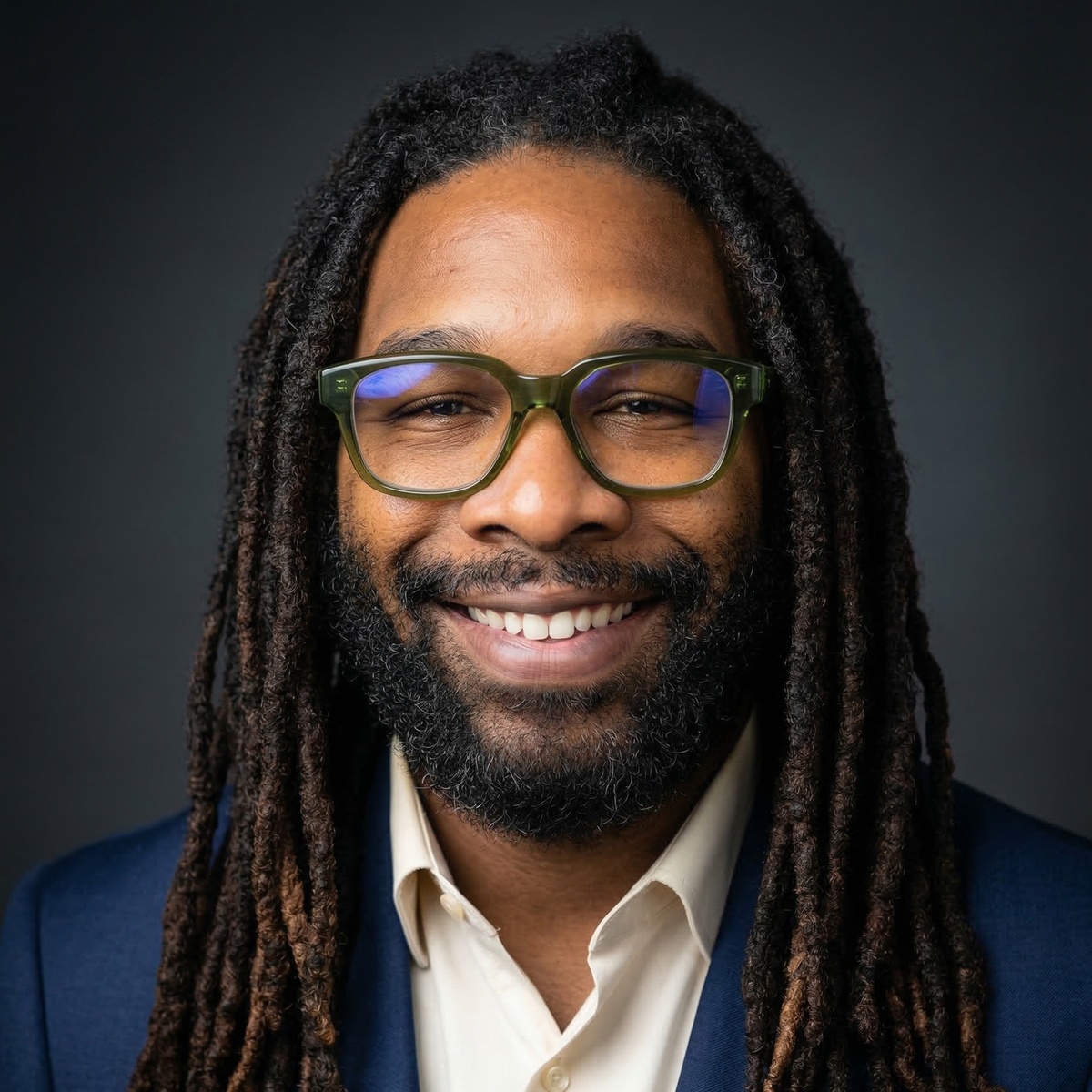
Cover Photo

| Asset | Upload Size | Format | Where to Upload |
|---|---|---|---|
| Company Logo | 400 x 400 px | JPG | Admin View → Edit Page → Logo |
| Cover Image | 2256 x 382 px | PNG | Admin View → Edit Page → Cover image |
Platform Notes:
- Company logo minimum is 268x268. Our 400x400 matches LinkedIn's recommended size.
- Cover image displays at 1128x191. Our 2256x382 file is exactly 2x for retina screens.
- Max file size: 10 MB. Square logo (60x60) may also be needed for some ad placements.
- The company logo appears in search results, job postings, and employee profiles.
𝕏
Twitter / X
@handleProfile Photo
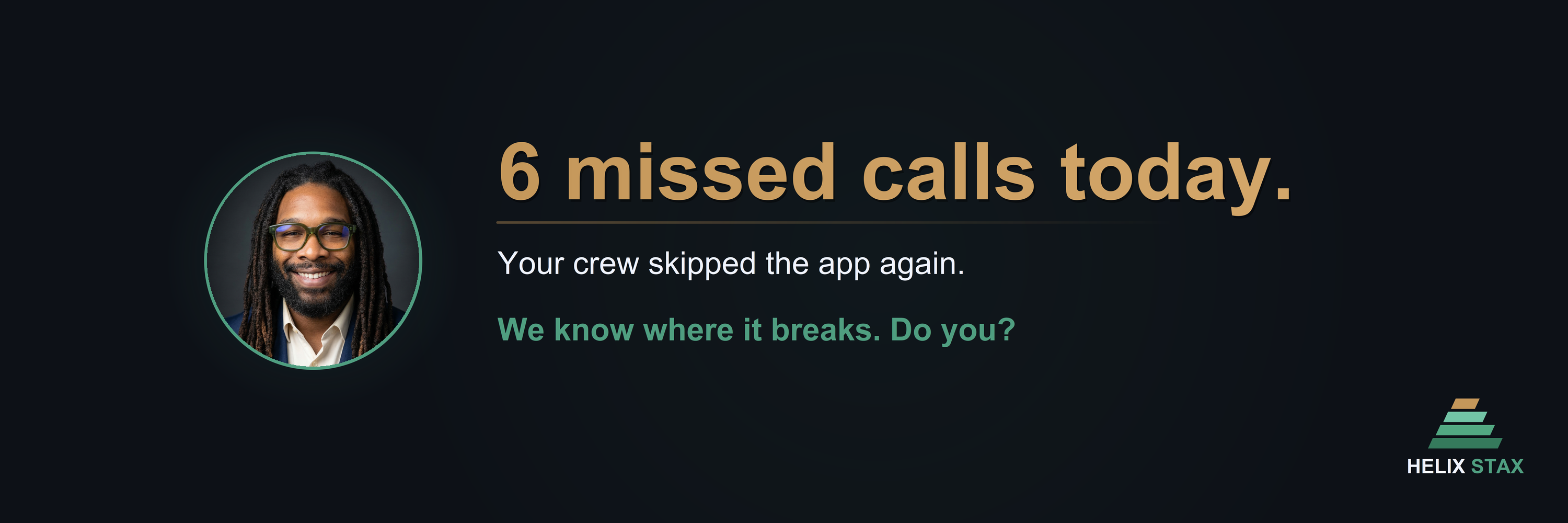
Header Photo
| Asset | Upload Size | Format | Where to Upload |
|---|---|---|---|
| Profile Photo | 400 x 400 px | JPG | Profile → Edit Profile → Profile picture |
| Header Photo | 3000 x 1000 px (3:1) | PNG | Profile → Edit Profile → Header |
Platform Notes:
- Twitter recommends 400x400 for profile photos. Max file size 2 MB.
- Header recommended is 1500x500 (3:1). Our file at 3000x1000 is exactly 2x for retina. Max 5 MB.
- Profile photo is circle-cropped. The header is partially obscured by the profile photo in the bottom-left area.
- Header may be cropped differently on mobile vs desktop. Keep critical content in the center 60%.
📺
YouTube
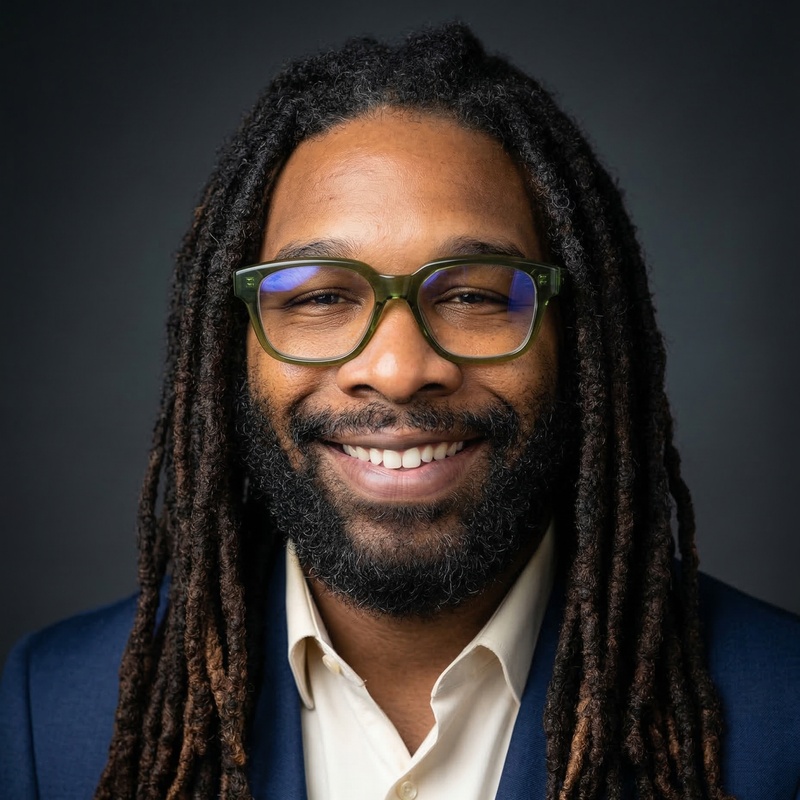
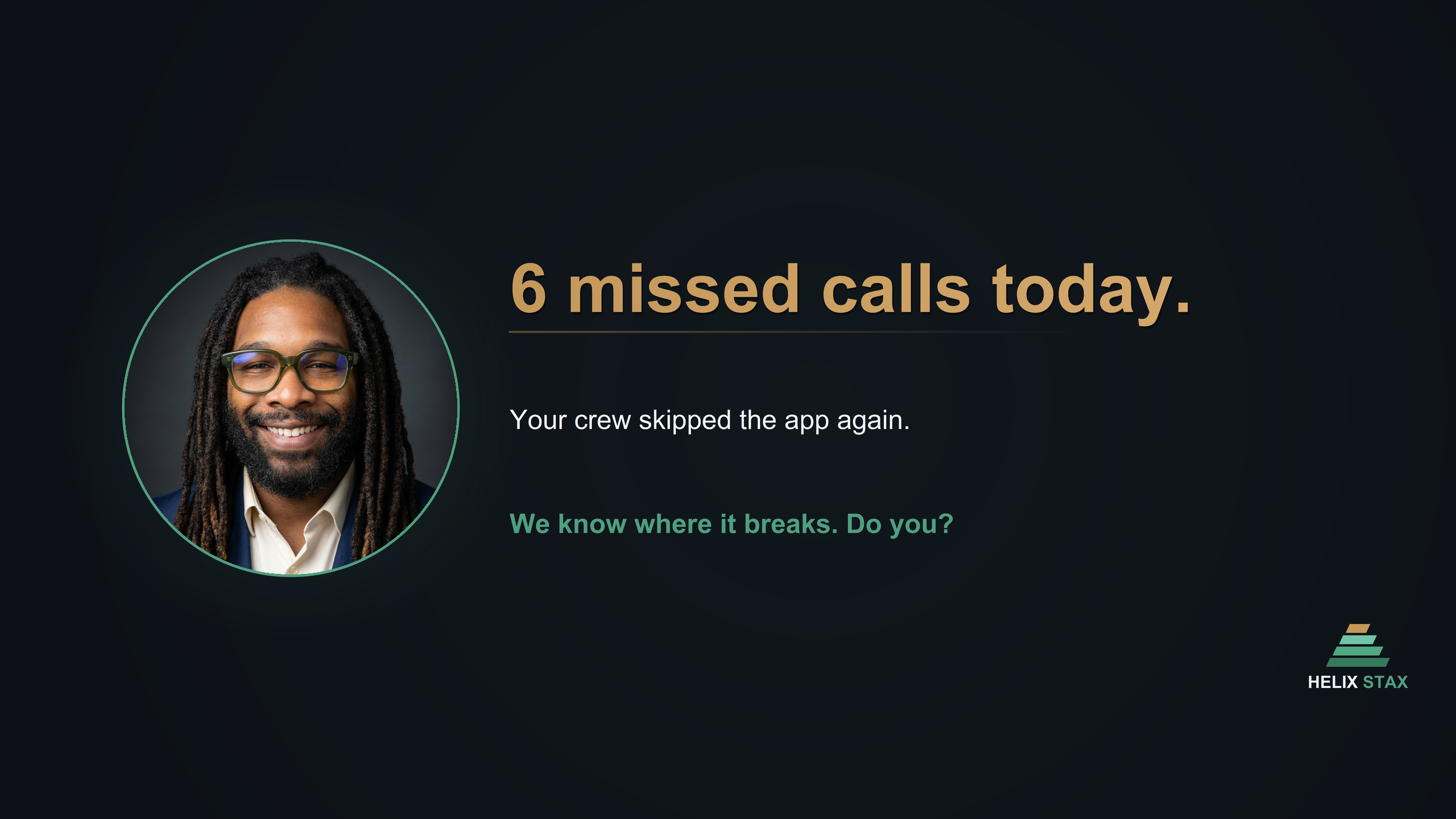
ChannelProfile Photo
Channel Banner
| Asset | Upload Size | Format | Where to Upload |
|---|---|---|---|
| Profile Photo | 800 x 800 px | JPG | YouTube Studio → Customization → Branding → Picture |
| Banner | 2560 x 1440 px (16:9) | PNG | YouTube Studio → Customization → Branding → Banner image |
Platform Notes:
- YouTube profile displays at 98x98 but stores higher resolution. 800x800 matches their recommendation.
- Banner at 2560x1440 is YouTube's exact recommended size. Max 6 MB.
- The banner "safe area" (visible on all devices) is the center 1546x423 region. TV displays show the full 2560x1440.
- Profile photo appears on comments, channel page, and video pages.
🦋
Bluesky
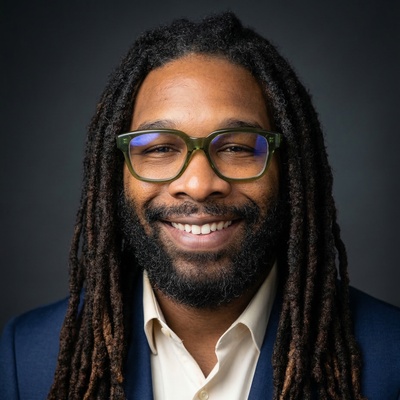
@handle.bsky.socialProfile Photo
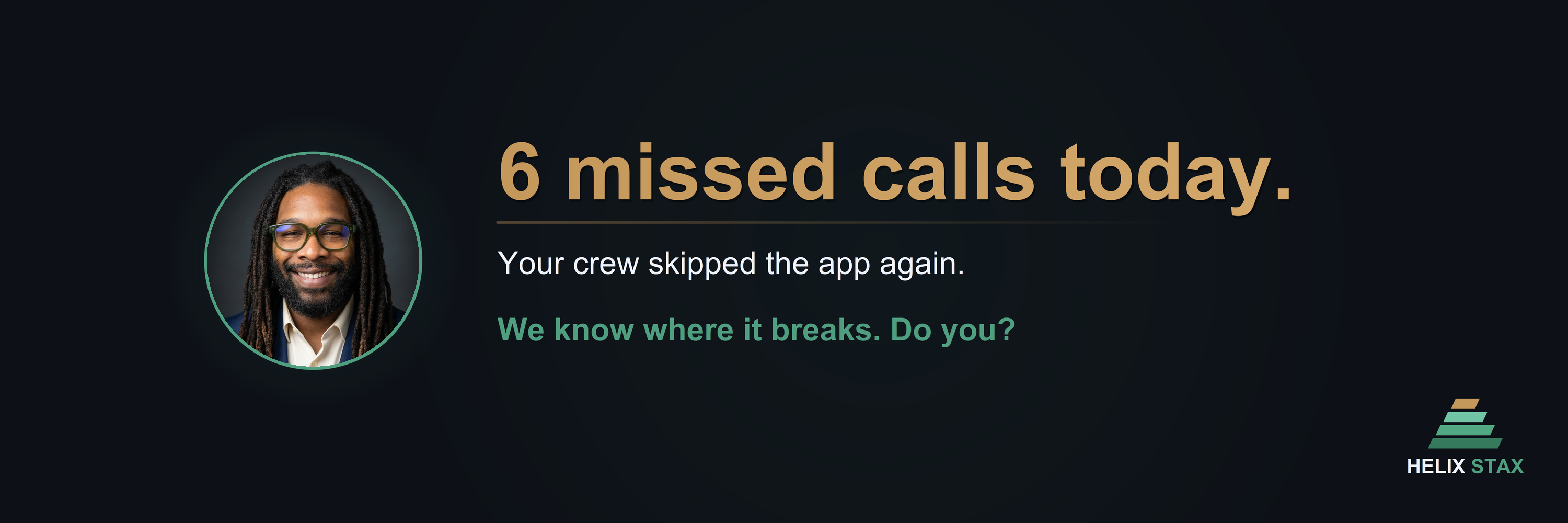
Banner
| Asset | Upload Size | Format | Where to Upload |
|---|---|---|---|
| Profile Photo | 400 x 400 px | JPG | Settings → Edit Profile → Avatar |
| Banner | 3000 x 1000 px (3:1) | PNG | Settings → Edit Profile → Banner |
Platform Notes:
- Bluesky recommends 400x400 for profile photos. Accepts JPG, PNG, SVG.
- Banner recommended is 1500x500 (3:1). Our 3000x1000 file is 2x for retina displays.
- Profile photo is circle-cropped on the profile page.
📸
Instagram
No cover photo on Instagram
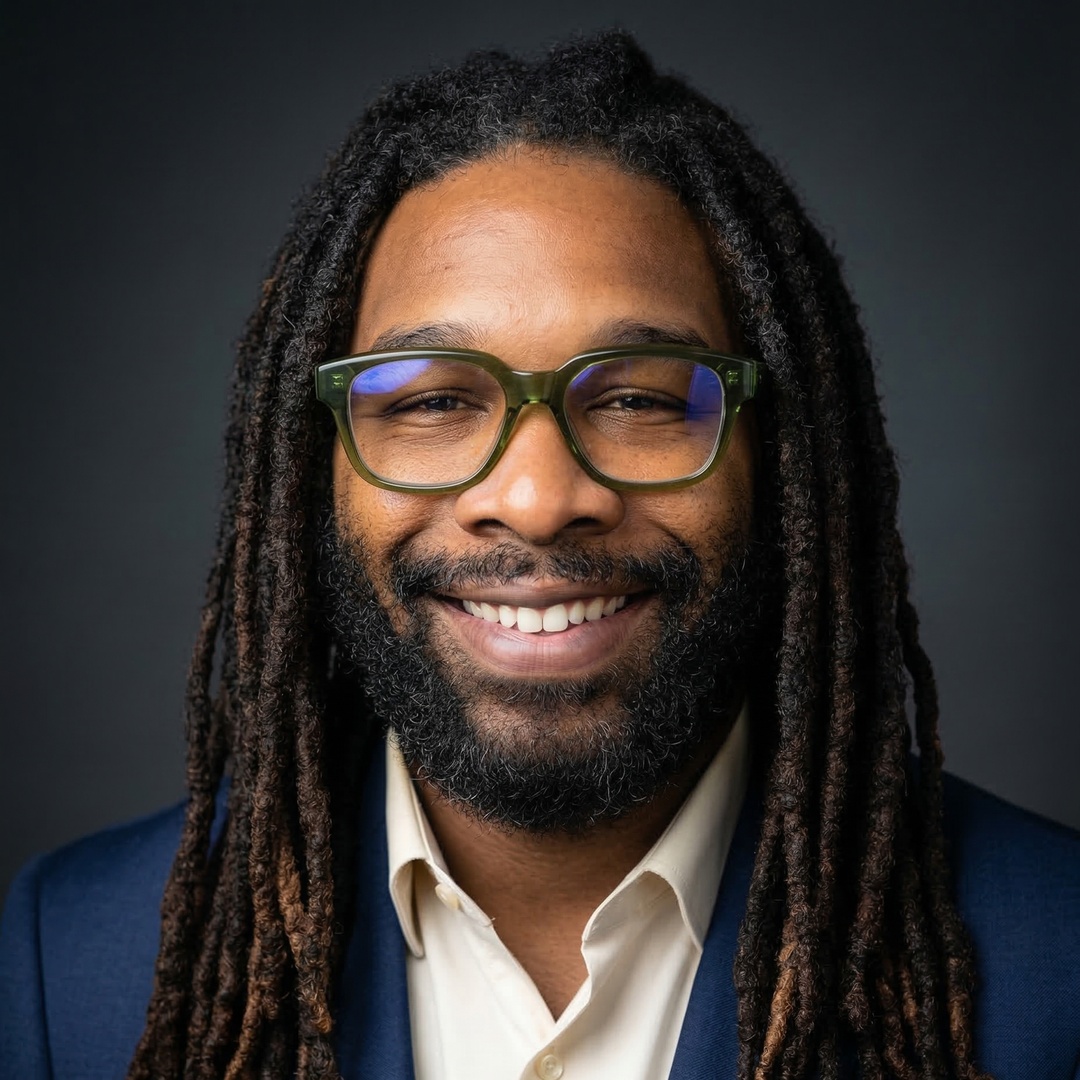
Profile Photo
| Asset | Upload Size | Format | Where to Upload |
|---|---|---|---|
| Profile Photo | 320 x 320 px | JPG | Profile → Edit Profile → Change Photo |
Platform Notes:
- Instagram displays profile photos at 110x110 but stores at upload resolution. 320x320 matches their recommended upload size.
- Profile photo is circle-cropped. Ensure the face is centered.
- Instagram does not have a cover/banner photo. Only the profile photo and post grid are shown.
🎵
TikTok
Profile onlyProfile Photo

| Asset | Upload Size | Format | Where to Upload |
|---|---|---|---|
| Profile Photo | 200 x 200 px | JPG | Profile → Edit Profile → Change Photo |
Platform Notes:
- TikTok recommends 200x200 minimum (can be up to 20x20 minimum). Profile is circle-cropped.
- TikTok does not have a traditional cover/banner. The profile grid shows video covers.
📌
Pinterest
Profile + Cover
Profile Photo

Cover Photo

| Asset | Upload Size | Format | Where to Upload |
|---|---|---|---|
| Profile Photo | 165 x 165 px | JPG | Settings → Edit Profile → Photo |
| Cover Photo | 1600 x 900 px (16:9) | PNG | Profile → Click cover area → Upload |
Platform Notes:
- Pinterest profile photo is small at 165x165. It displays circle-cropped.
- Cover photo at 800x450 is the recommended display size. Our 1600x900 is 2x for retina.
- Profile cover is shown at the top of your Pinterest profile page.
👻
Snapchat
Profile onlyProfile Photo
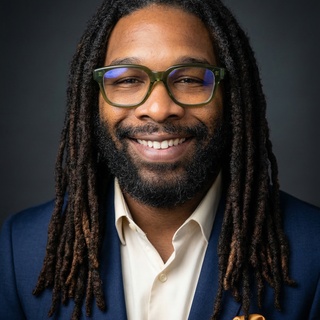
| Asset | Upload Size | Format | Where to Upload |
|---|---|---|---|
| Profile Photo | 320 x 320 px | JPG | Profile → Bitmoji/Avatar → Change (upload custom photo) |
Platform Notes:
- Snapchat recommends 320x320. Max file size 2 MB.
- By default, Snapchat uses a Bitmoji. To use a custom photo, tap the avatar and select from camera roll.
- Profile photo is circle-cropped.
🧵
Threads
Profile onlyProfile Photo
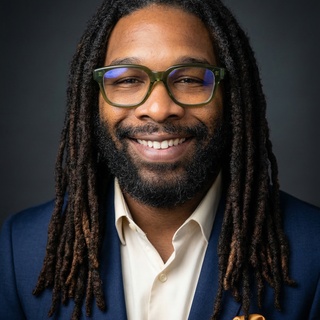
| Asset | Upload Size | Format | Where to Upload |
|---|---|---|---|
| Profile Photo | 320 x 320 px | JPG | Profile → Edit Profile → Change Photo (syncs from Instagram) |
Platform Notes:
- Threads profile photo is synced from Instagram by default. You can set a separate photo in the Threads app.
- Recommended size: 320x320 (1:1 ratio). Profile is circle-cropped.
- Threads does not have a cover/banner image.
🏪
Google Business Profile
Business listingProfile Photo
| Asset | Upload Size | Format | Where to Upload |
|---|---|---|---|
| Profile Photo / Logo | 720 x 720 px | JPG | Google Business → Edit Profile → Photos → Logo |
Platform Notes:
- Google Business accepts 250x250 minimum, 750x750 maximum for profile photos. 720x720 is within range and matches the logo recommendation.
- Max file size: 5 MB.
- This photo appears in Google Search and Google Maps results for your business.
- Consider also uploading a cover photo (1024x576 recommended) separately through the Photos section.
📧
Email
Signature images
Signature Image
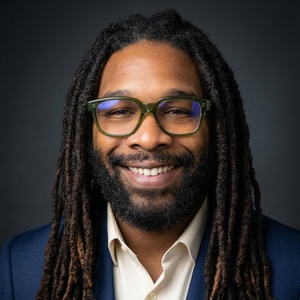
Signature Compact

| Asset | Upload Size | Format | Where to Use |
|---|---|---|---|
| Signature | 300 x 300 px | JPG | Gmail / Outlook → Settings → Signature → Insert Image |
| Signature Compact | 150 x 150 px | JPG | Use when the full 300px image is too large for the signature layout |
Platform Notes:
- Email signature images should be small file size for fast loading. JPG is preferred over PNG for photos.
- In Gmail: Settings → See all settings → General → Signature → Insert Image (use "Web address (URL)" if hosting, or "Upload" for direct embed).
- In Outlook: File → Options → Mail → Signatures → Insert Picture.
- Display the signature image at 75-100px wide in HTML email for optimal rendering. The 300px file provides 2-3x retina quality at that display size.
- The compact version (150x150) is for minimal signature layouts or when email clients limit image dimensions.
🌐
Website
Headshot, retina, thumbnailHeadshot (1x)
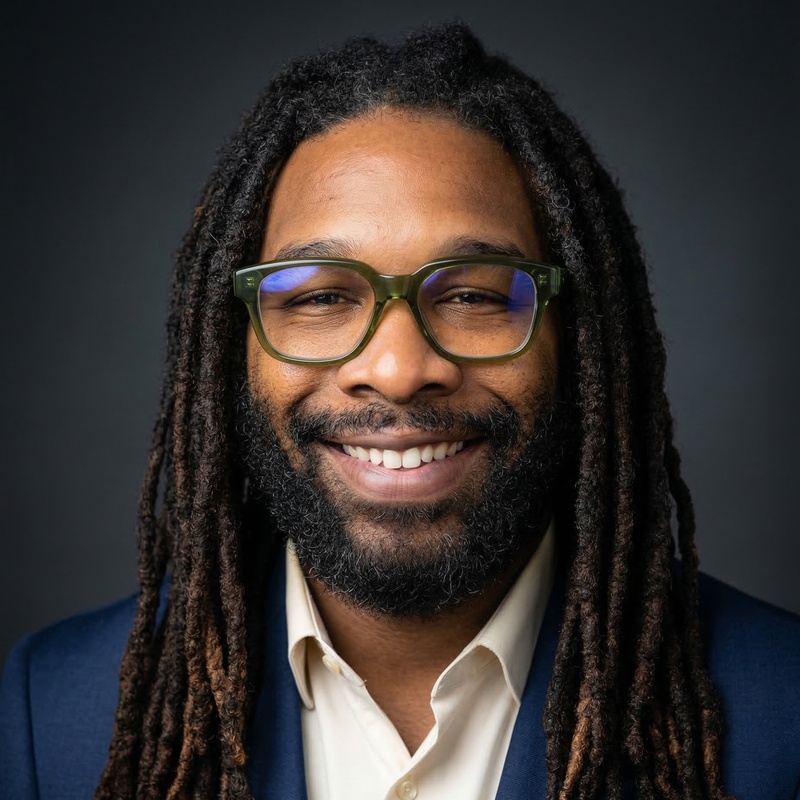
Headshot (2x Retina)
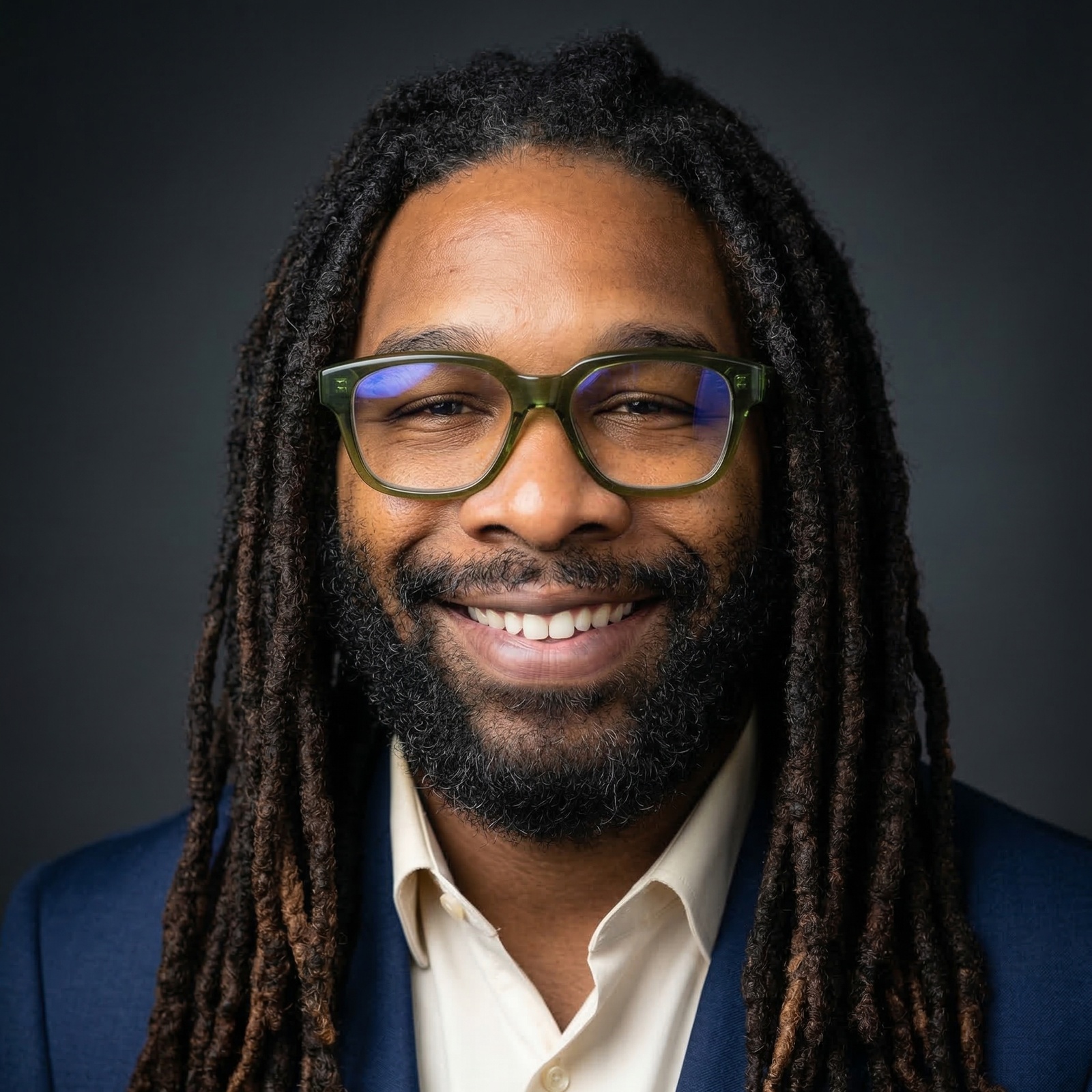
Thumbnail

| Asset | Upload Size | Format | Where to Use |
|---|---|---|---|
| Headshot (1x) | 800 x 800 px | JPG | About page, team section — standard displays |
| Headshot (2x) | 1600 x 1600 px | JPG | About page, team section — retina/HiDPI displays (use srcset) |
| Thumbnail | 160 x 160 px | JPG | Blog author bylines, comment avatars, sidebar widgets |
Platform Notes:
- Use the 1x headshot as the default
srcand the 2x as thesrcsetfor retina displays:<img src="headshot.jpg" srcset="headshot-2x.jpg 2x" width="400"> - The thumbnail at 160x160 is ideal for small avatar contexts where loading a full 800px image would be wasteful.
- All website images are JPG for optimal file size with photographic content.
🎨
Logo Assets
Marks, lockups, favicons & color paletteMark (4-bar) — All Variants
Dark

Light

Teal

White (dark bg only)

Black (light bg only)

Stacked Lockup
Dark
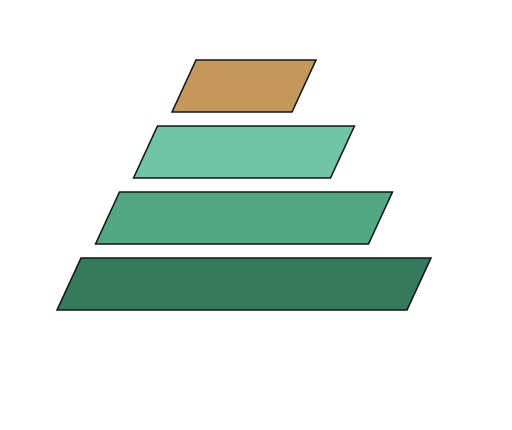
Light

Amber Dark

Horizontal Lockup
Dark

Light

Favicons
3-Bar Favicon

2-Bar Favicon

v15 Source SVGs (Design Origin)
Favicon v15

Mark v15 Dark

Mark v15 Light

Color Palette Reference
Primary
#4F9E80
Helix Teal / Pantone 7473 C
Secondary
#C4975A
Amber / Pantone 7510 C
Background
#0D1117
Surface
#161B22
Text Primary
#F0F4FF
Text Secondary
#8896B3
Logo Usage Rules:
- Clear space: Maintain a minimum clear zone equal to the height of the “X” in STAX on all four sides of the logo.
- Minimum size: 16px for favicons, 32px for marks.
- Never use old teal
#52A882as a brand color — it only appears in the mark geometry and is not a palette color. - Never place
#4F9E80on backgrounds lighter than#E0E0E0— insufficient contrast. - Never apply gradient fills to buttons — gradients are reserved for decorative accent lines only.
Image Sizes Reference — All Platforms
| Platform | Asset Type | Our File Size | Platform Recommended | Ratio | Format |
|---|---|---|---|---|---|
| Profile Photo | 2048x2048 | 720x720 | 1:1 | JPG | |
| Cover Photo | 1702x630 | 851x315 | ~2.7:1 | PNG | |
| LinkedIn Personal | Profile Photo | 1200x1200 | 400x400 | 1:1 | JPG |
| LinkedIn Personal | Cover Image | 3168x792 | 1584x396 | 4:1 | PNG |
| LinkedIn Company | Logo | 400x400 | 400x400 | 1:1 | JPG |
| LinkedIn Company | Cover Image | 2256x382 | 1128x191 | ~5.9:1 | PNG |
| Twitter/X | Profile Photo | 400x400 | 400x400 | 1:1 | JPG |
| Twitter/X | Header Photo | 3000x1000 | 1500x500 | 3:1 | PNG |
| YouTube | Profile Photo | 800x800 | 800x800 | 1:1 | JPG |
| YouTube | Banner | 2560x1440 | 2560x1440 | 16:9 | PNG |
| Bluesky | Profile Photo | 400x400 | 400x400 | 1:1 | JPG |
| Bluesky | Banner | 3000x1000 | 1500x500 | 3:1 | PNG |
| Profile Photo | 320x320 | 320x320 | 1:1 | JPG | |
| TikTok | Profile Photo | 200x200 | 200x200 | 1:1 | JPG |
| Profile Photo | 165x165 | 165x165 | 1:1 | JPG | |
| Cover Photo | 1600x900 | 800x450 | 16:9 | PNG | |
| Snapchat | Profile Photo | 320x320 | 320x320 | 1:1 | JPG |
| Threads | Profile Photo | 320x320 | 320x320 | 1:1 | JPG |
| Google Business | Profile Photo | 720x720 | 720x720 | 1:1 | JPG |
| Signature | 300x300 | N/A | 1:1 | JPG | |
| Signature Compact | 150x150 | N/A | 1:1 | JPG | |
| Website | Headshot (1x) | 800x800 | N/A | 1:1 | JPG |
| Website | Headshot (2x) | 1600x1600 | N/A | 1:1 | JPG |
| Website | Thumbnail | 160x160 | N/A | 1:1 | JPG |
EXIF Metadata Status
All .jpg files in the upload-ready directory have EXIF metadata embedded, including:
- Artist: Wakeem Williams
- Copyright: Helix Stax
- Description: Platform-specific description (e.g., "Wakeem Williams — CEO, Helix Stax — Facebook profile photo")
- Software: Processing pipeline identifier
PNG files (cover photos/banners) do not carry EXIF metadata as PNG uses a different metadata format (tEXt/iTXt chunks). This is standard and expected.
Processing Pipeline
All headshot images were produced through the following pipeline:
- Step 1 — Top-Crop: The source headshot was cropped to center the face with appropriate headroom, producing a square 1:1 composition.
- Step 2 — 4096px Supersample: The cropped image was upscaled to 4096x4096 using a high-quality supersampling algorithm, creating a master file with maximum detail.
- Step 3 — LANCZOS Downscale: From the 4096px master, each platform-specific size was generated using LANCZOS resampling (Pillow's
Image.LANCZOS), which produces the sharpest possible downscale with minimal aliasing. - Step 4 — Format Export: Profile photos exported as JPG (quality 95, optimized) with EXIF metadata. Cover photos exported as PNG for lossless quality on graphics/text overlays.
- Step 5 — Organization: Files sorted into platform-specific subdirectories within
upload-ready/with standardized filenames.
Source supersampled files (4096x4096 master and all intermediate sizes) are archived in:
00_Corporate/02_Brand_Identity/02_Headshots/supersampled/